
I did, during October, a digital painting of a violin – then I created a collection named « Music ». This is one of my favorite collection. You can take a look here.
I love the final result and the mix with a piano keyboard was gorgeous (my opinion of course – I’m not a pro). See below the Procreate brushes I used (default brushes provided with the tool) and steps I took for the different types of patterns.
I really enjoyed creating this collection- and I’m looking for adding new instruments eventually! If you need a specific size or color, you can contact me on Spoonflower here.
Violin – Steps
First, I used the Inking set with the Syrup brush – one of my favorite (the size will allow to fill quickly an area using different shades along the way). I used the Smudge tool with the Paint / Gouache to create the transitions between light and shadow. The final touches of shadows and light reflections were added with the Airbrushing/ Soft Brush. For this finition step, I will usually put my layer locked (Alpha Lock) and reduce the opacity of the brush (around 20%). The strings and details were made with the Inking / Technical Pen.
Integrating the piano keys
I used the Inking / Technical Pen and, with one of the sample, I played with the tools offered in the selection to warp some notes (I like the warp option Advance Mesh – I use it to move separately the nodes I want).

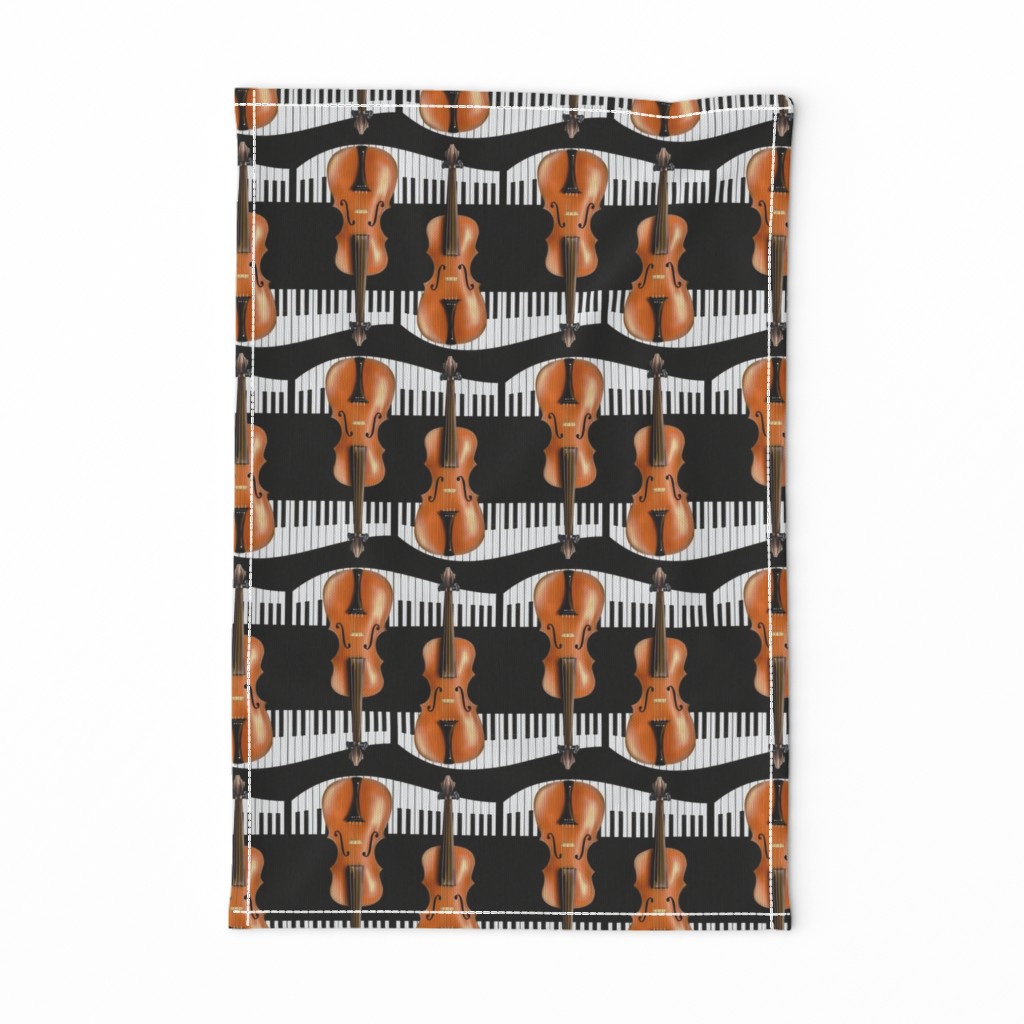
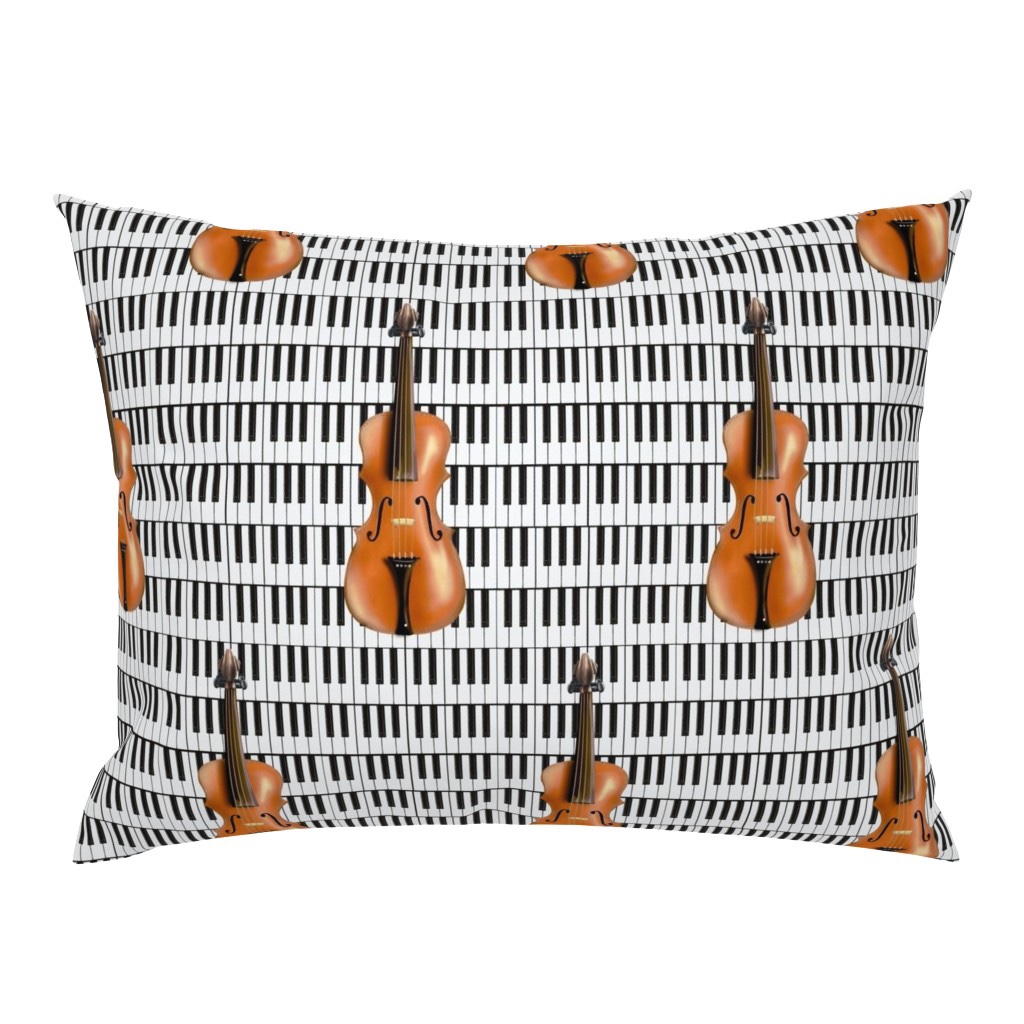
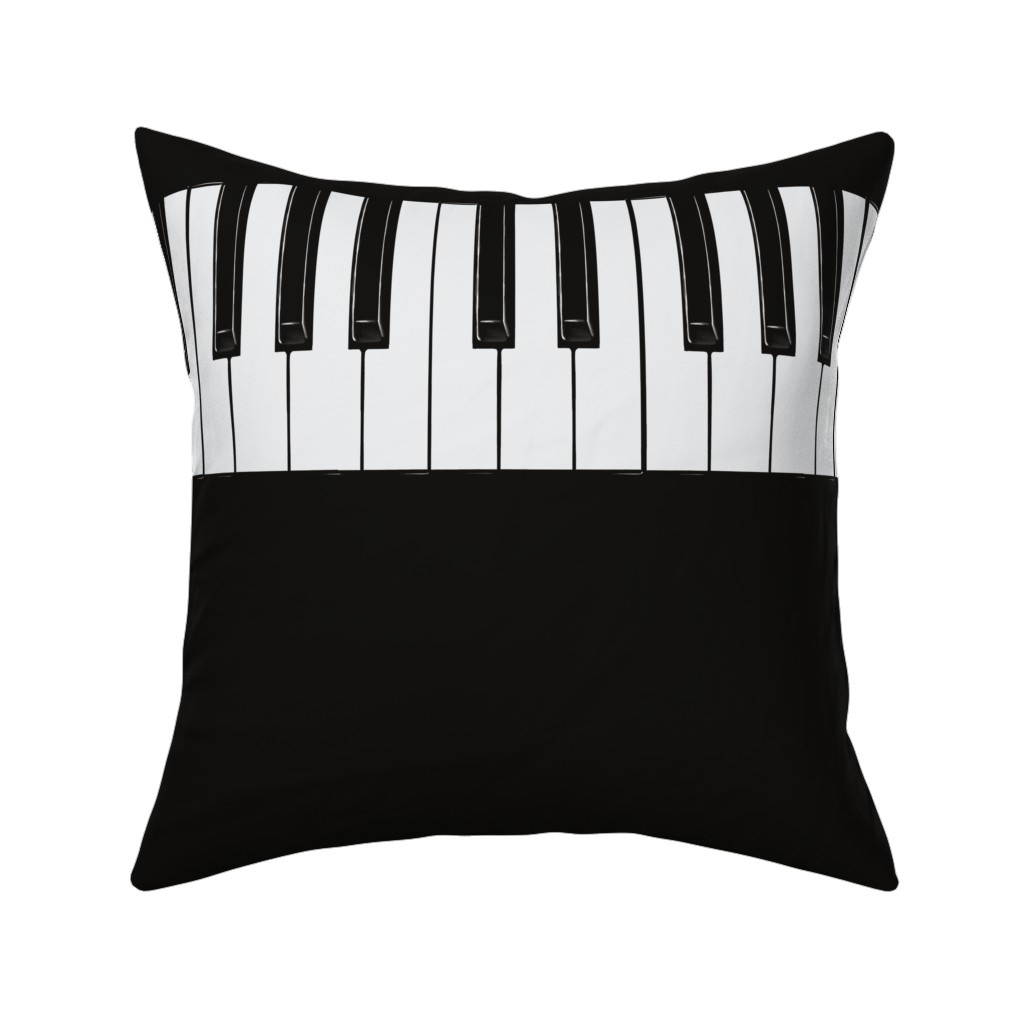
Different repeats were created with the regular keyboard 🎹 in the background and the rounded one as well (as displayed here). Collection will show all of them here.
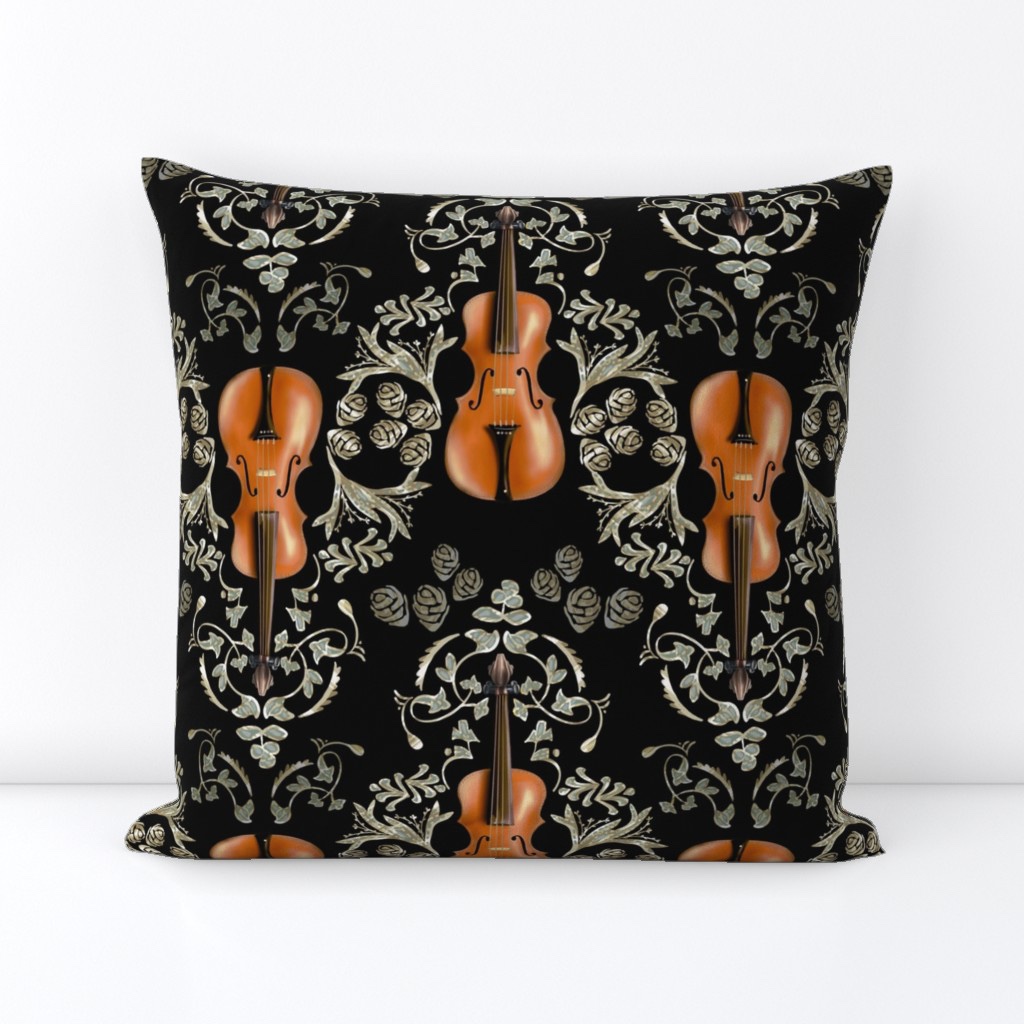
A Damask – with elegant silver motifs was also drafted. Another green / autumnal background is also available here.

 Wildwater Design
Leave a comment